












Remember those childhood days when you used to run back home with your friends after school to enjoy your favorite show on TV.
You could sit together on the couch and spend quality time with your buddies watching the latest episode of Invincible or Teen Titans Go!
But, with time, you and your friends got separated by a long distance. You occasionally catch up with each other, but it’s not the same.
What if I tell you can still watch your shows together with your friends on Amazon Watch Party? Sounds unbelievable, right? Well, it’s true.
Amazon launched the Watch Party feature that lets you watch different shows and movies together with your friends. Now, the distance can no longer sabotage your friendship.
No wonder it became popular instantly. From long-distance couple date nights to movie nights with besties, Amazon Watch Party was the perfect digital destination.
However, it has been removed from the platform recently. And no one knows when and whether it will ever come back.
But don’t be disheartened. We have found some cool and useful alternatives that you can try. Keep reading to know everything about them!
What is Amazon Prime Watch Party?
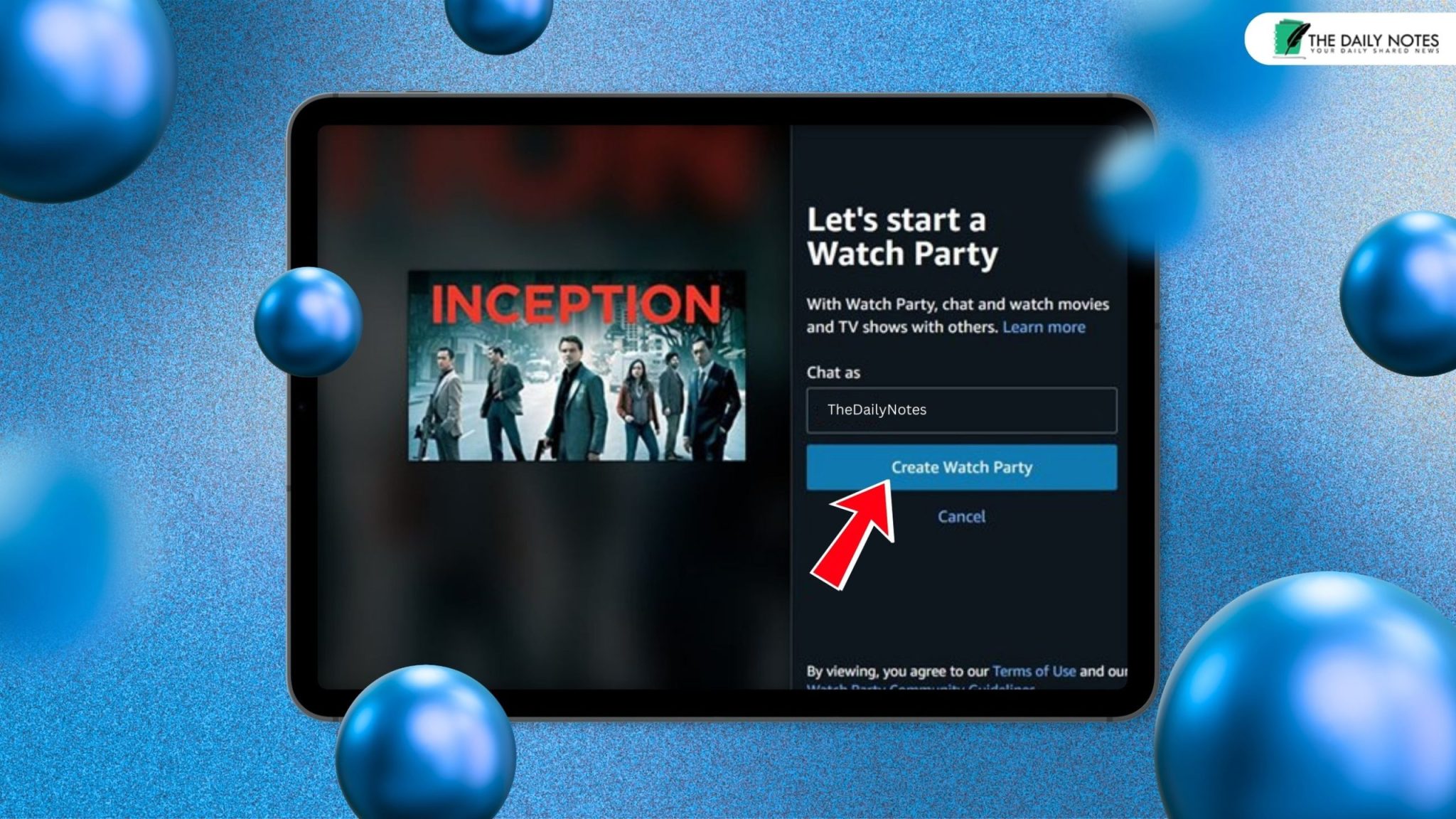
Launched back in 2020, Amazon Prime Watch Party was a special feature that allowed Prime users to share and watch movies together with other Prime users.
You could add up to 100 people to your Watch Party.
Moreover, you could use the feature across different devices. From MacBooks and iPhones to Androids and desktops, you could stream movies and series together.
However, Amazon disabled and permanently removed the built-in feature around April 2024. Whether you were a paid member or a free member, the feature was removed for all.
So, now, you can no longer use the platform to host a virtual watch party.
What is The Amazon Watch Party Popular for?
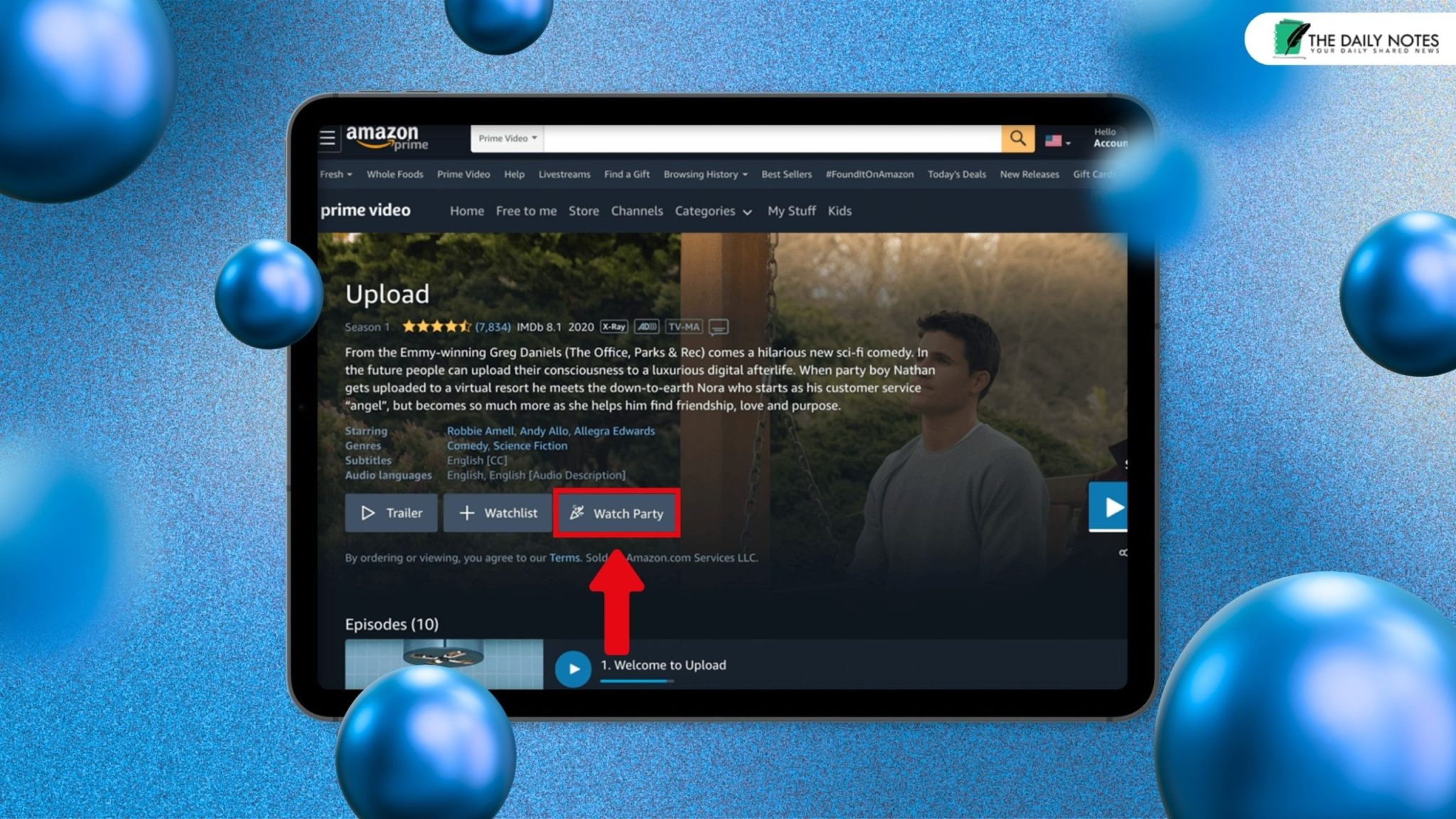
The launch of Amazon Watch Party took the internet world by storm. Previously, there were third-party websites and apps available offering similar services.
However, security and ethical issues prevented many users from trying them.
So, with the launch of Amazon Watch Party for Prime members, internet users instantly subscribed to the service.
It instantly gained traction in the digital market for its unique features and secure streaming system.
Moreover, the huge limit of participants for each virtual watch party made it one of the best choices.
Anyone could join the Watch Party through the link provided by the host. So, you could share the link with your friends and enjoy a great movie time together.
Amidst the COVID-19 pandemic, people extensively used the feature to watch a variety of shows online with their friends and family.
While the world was stuck in isolation, this feature introduced a unique solution for having social connections.
Why is The Amazon Watch Party Removed?
Amazon has not officially given any statement or announcement regarding the removal of the Watch Party feature from its platform.
Just like the question, “Why is Netflix removing Christian movies?” has no definitive answer, there is no definite answer to why the Amazon Watch Party is removed.
However, we have identified some reasons that justify the sudden removal.
Firstly, with the end of the pandemic, people no longer used the service as extensively as they did before. This made Amazon stop investing in the costs and resources required to run it.
Secondly, there’s a growing trend in the industry. Many platforms are removing their redundant services and clearing space for new features.
Similarly, Amazon might have visualized the reduced popularity of the Watch Party and decided to remove this redundant feature.
So, instead of keeping the service, it has decided to work towards introducing new services.
Best 4 Alternatives to Amazon Watch Party
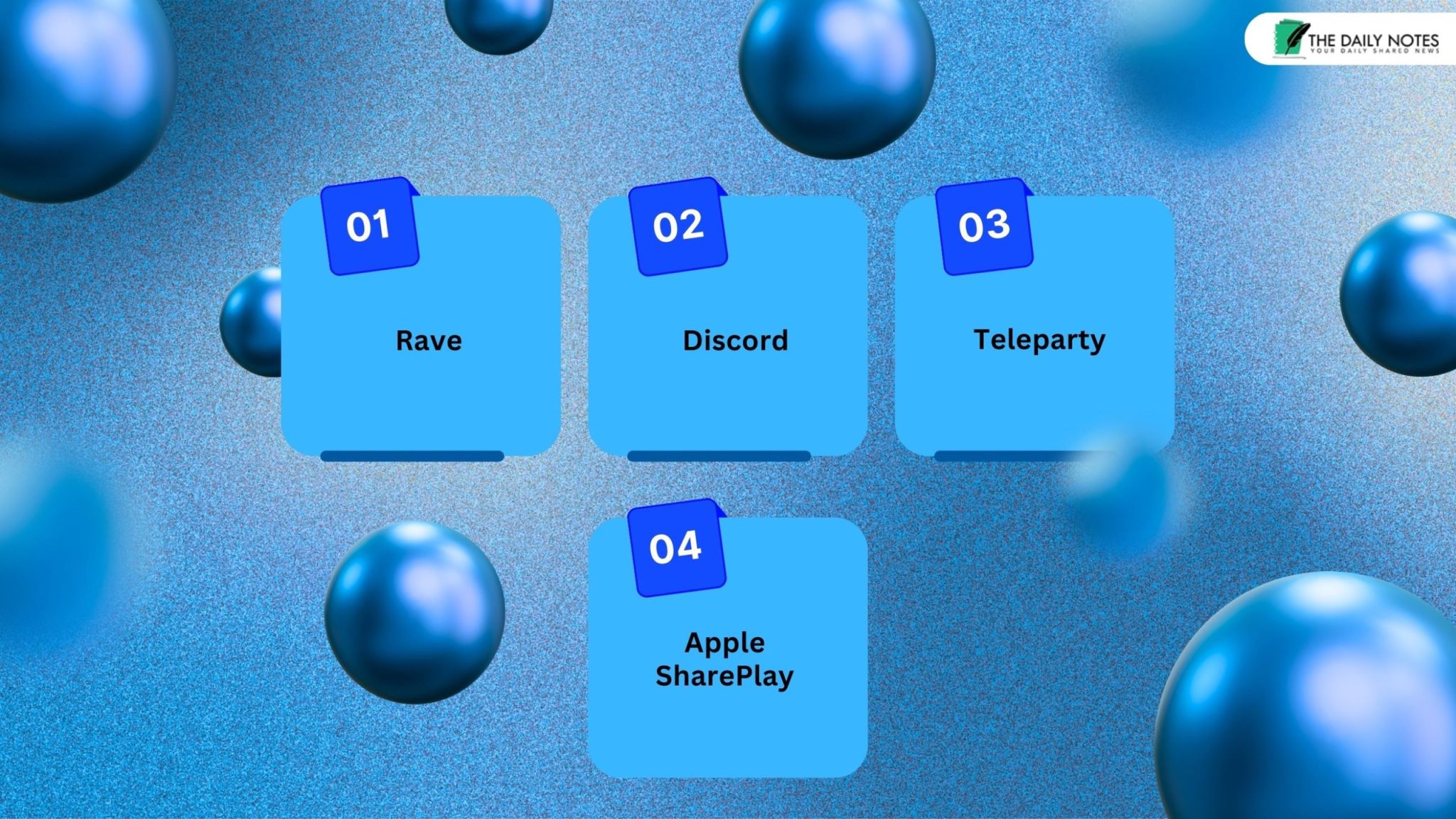
Although Amazon has removed its Watch Party feature, there are other sites and platforms that offer similar services. You can try these alternatives to host the next watch party with your long-distance friends and loved ones.
1. Rave
Rave is an app that is compatible with both iOS and Android devices. You can download it and host a virtual Amazon Watch Party.
This app lets you to specifically duplicate the Amazon Watch Party experience using a third-party service. You just need to follow these steps to start watching shows with your friends.
- Open the Rave app and log in to your Amazon Prime account.
- Then, you will be directed to the main page of your Amazon Prime. Browse through the content and find the movie you want to watch.
- After selecting it, click on Play. The app will redirect you to a sharing interface.
- Now, you can either type their username and add them to the watch party or copy the sharing link and send it to your friends.
- Once your friends join the party using the link, you can use the chatbox in the bottom right corner to chat with them.
- You will get the option to send emojis, pictures, and even funny GIFs.
- Also, you can adjust the sound and video quality from the Settings even add subtitles for foreign shows.
2. Discord
Although Discord is usually used by multiplayer gamers to stream and interact in real time, it has the feature to watch media together with friends.
The app is compatible with every device. So, you just need to download the app and share your screen with your friends to watch Amazon Prime together.
Even though the process can be a bit confusing, we have simplified it in the following steps.
- Open the Discord app and create your User Account. Put in your details and sign in to your account.
- Then, navigate towards the Settings toggle in the bottom left corner. In the Activity Settings, you will find the option “Registered Games”. Click on it.
- Once the menu opens, you will find at the top “Not seeing your game? Add it!”. Click on the Add it!
- Then, a drop-down menu will appear. Select Prime Video for Windows from the list and click on Add Game. This will register the application.
- Now, escape from the Settings window and click on the Share on Amazon Prime Video.
- A pop-up will come up on the screen. Here, you can choose the video quality and frame rate.
- After choosing the quality, select the Go Live option at the bottom right corner of the pop-up. Then, share the link with your friends.
3. Teleparty
Unlike the apps, Teleparty is actually a browser extension that works with Chrome, Windows Edge, and Firefox.
It was formerly referred to as Netflix Party, but now it has many other streaming services available, like Amazon Prime, Hulu, Disney+, and many more.
As a website extension, it can only be used on laptops and desktops. However, recently it has launched its Android version app. You can try that too.
But if you want to use the extension, just follow these steps.
- Install the extension from the official website of Teleparty.
- Then, open your Amazon Prime account in a separate tab.
- Find the movie or show that you want to watch with your friends and start the playback.
- Now, at the top of your browser, you’ll find the extension. Select it and it will generate a share link.
- You can send this link to your friends, and if they don’t have Teleparty installed, the site will prompt them to do so.
- Once they join using the link, you can start watching the shows together. Also, use the chat box next to the video to interact with them.
4. Apple SharePlay
Apple SharePlay is specifically designed for iPhones and iOS devices. It is a built-in feature in the FaceTime app.
This unique feature lets you watch a movie or show while FaceTiming your friends on the app.
You can sync the playback to watch shows together. Also, the FaceTiming option lets you to converse with your buddies. To start your watch party, follow these steps.
- Open your FaceTime app on your iPhone and start a video call with your friend.
- From the bottom of the call, swipe up and push the call to the background.
- While staying on the call, open your Amazon Prime Video and start playing the show or movie.
- Then, you will get a pop-up with the prompt to share. Select SharePlay.
- And, just like that, you can start watching the shows with your friends.
- Moreover, you and your friend both get the playback controls. So, either of you can play, pause, rewind, or fast forward the show.
- There are also options for audio and subtitle settings on your individual devices. So, you and your friend can choose the volume and subtitles.
Can You Still Watch Amazon Prime Watch Party Together?
To put it in simple words, you can no longer access the Amazon Watch Party to watch movies and shows with your friends. Amazon has permanently removed the service from its platform.
However, you can always shift to these alternatives to enjoy a movie night with your long-distance friend or lover. With these apps and sites, you can spend quality virtual time with your loved ones.
So, instead of being disheartened about Amazon Watch Party’s sudden disappearance, try its alternatives to host a fun-filled virtual watch party.
Additional Resources: